HTML styles can be applied using various methods, such as inline styles, internal styles, or external style sheets. Here’s a brief overview of each method.
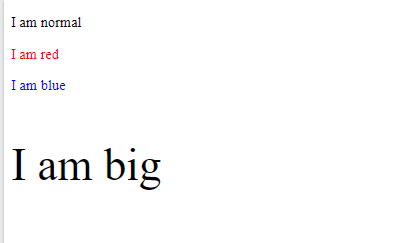
<!DOCTYPE html>
<html>
<body>

<p>I am normal</p>
<p style="color:red;">I am red</p>
<p style="color:blue;">I am blue</p>
<p style="font-size:50px;">I am big</p>

</body>
</html>

OUTPUT:-
Background Color:-
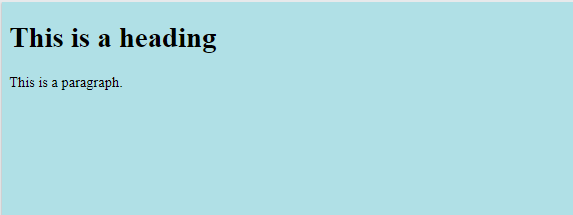
HTML document, including the element, you can apply the background color to the and elements. Here’s an example:
<!DOCTYPE html>
<html>
<body style="background-color:powderblue;">

<h1>This is a heading</h1>
<p>This is a paragraph.</p>

</body>
</html>
Output:-
Color for Two Different elements Code
<h1 style="background-color:powderblue;">This is a heading</h1>
<p style="background-color:tomato;">This is a paragraph.</p>

Output:-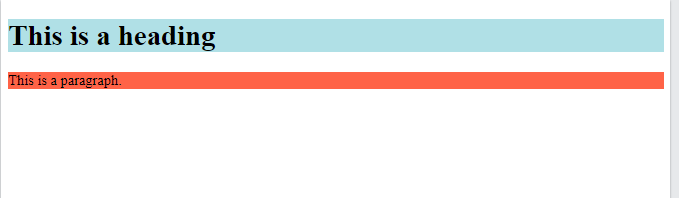
Text Color Define
Certainly! If you want to define the text color for an HTML element, you can use the color property in CSS. Here’s an example.
<!DOCTYPE html>
<html>
<body>

<h1 style="color:blue;">This is a heading</h1>
<p style="color:red;">This is a paragraph.</p>

</body>
</html>

Output:-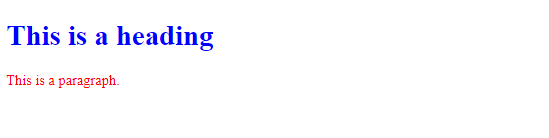
Fonts
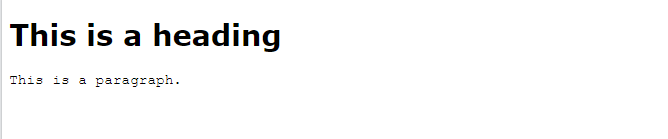
The CSS font-family property defines the font to be used for an HTML element:-
<h1 style="font-family:verdana;">This is a heading</h1>
<p style="font-family:courier;">This is a paragraph.</p>
Output
Text Size
The CSS font-size property defines the text size for an HTML element.
Code
<h1 style="font-size:300%;">This is a heading</h1>
<p style="font-size:160%;">This is a paragraph.</p>

Output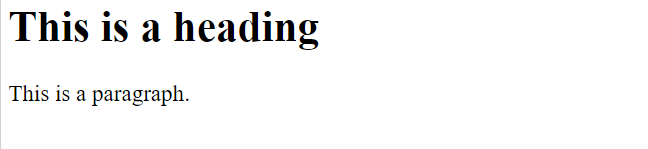
Text Alignment
CSS text-align property defines the horizontal text alignment for an HTML element.
code
<h1 style=”text-align:center;”>Centered Heading</h1>
<p style=”text-align:center;”>Centered paragraph.</p>
Output

Chapter Summary
- Use the
styleattribute for styling HTML elements - Use
background-colorfor background color - Use
colorfor text colors. - Use
font-familyfor text fonts - Use
font-sizefor text sizes - Use
text-alignfor text alignment
HTML Text Formatting
Text formatting in HTML involves using various HTML tags and attributes to control the appearance of text on a web page. Here’s an explanation of some common HTML elements and attributes used for text formatting.
Text Formatting Code
<!DOCTYPE html>
<html>
<body>

<p><b>This text is bold</b></p>
<p><i>This text is italic</i></p>
<p>This is<sub> subscript</sub> and <sup>superscript</sup></p>

</body>
</html>

Output

HTML Formatting Elements
Formatting elements were designed to display special types of text:
<b>– Bold text<strong>– Important text<i>– Italic text<em>– Emphasized text<mark>– Marked text<small>– Smaller text<del>– Deleted text<ins>– Inserted text<sub>– Subscript text<sup>– Superscript text