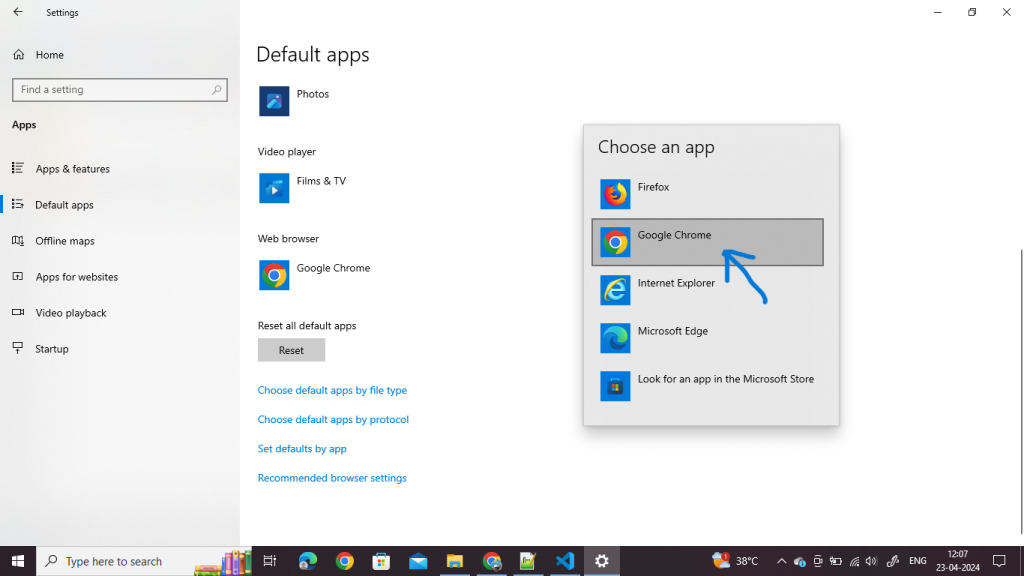
- Open Settings
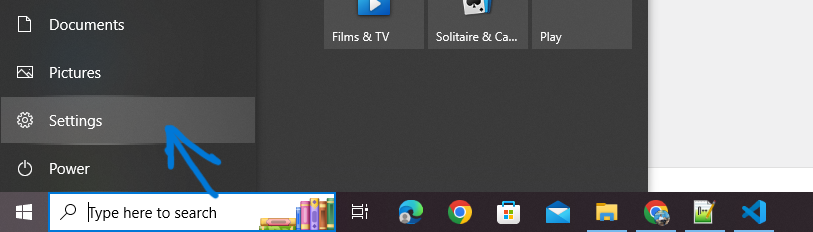
2. Go to Apps:
In the Settings window, select “Apps”
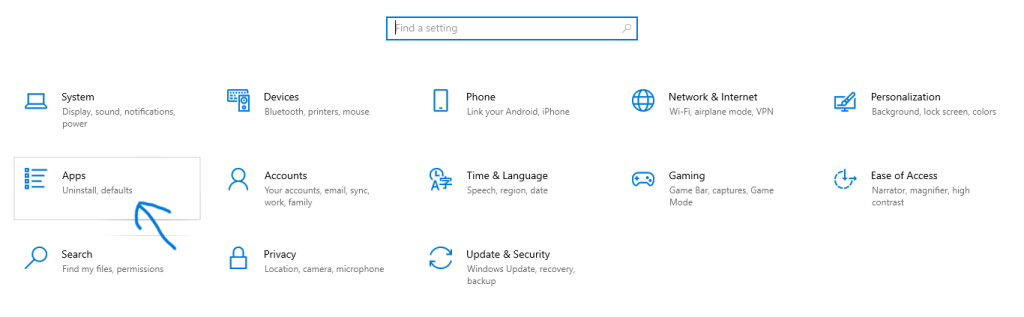
3. Default Apps:
On the left sidebar, select “Default apps”.
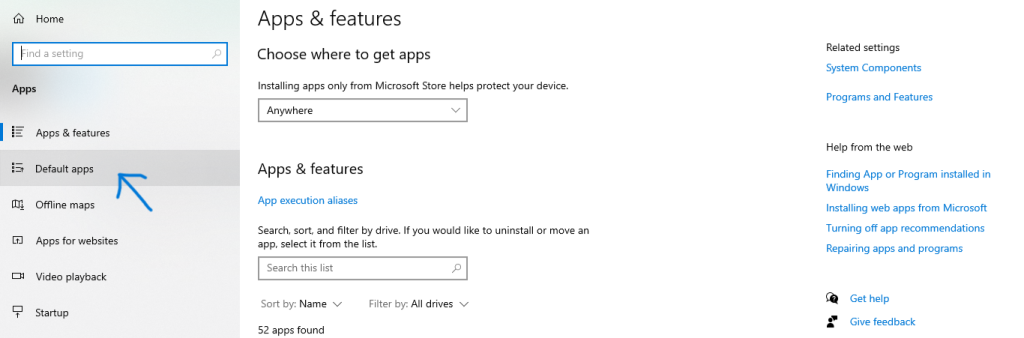
4. Choose Default Browser
Scroll down until you find the “Web browser” section. Click on the current default browser (it might be Microsoft Edge or another browser if you’ve already changed it).
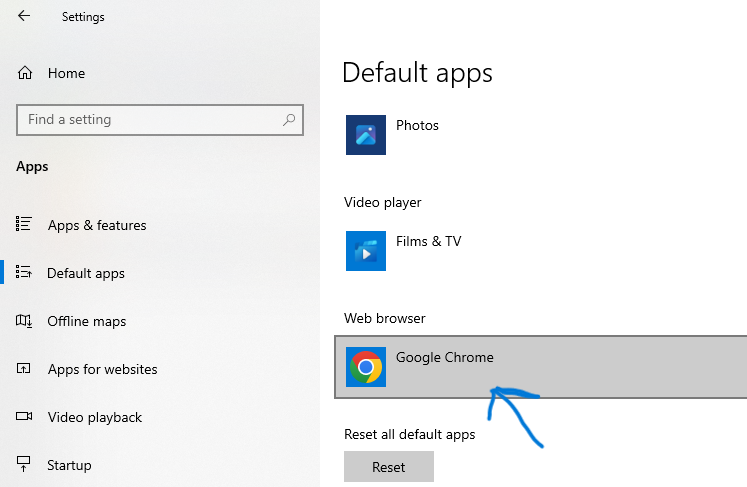
5. Select New Default Browser
A list of installed web browsers will appear. Click on the one you want to set as your default browser