1. What is MotoShare?

Visit official site: https://motoshare.in/
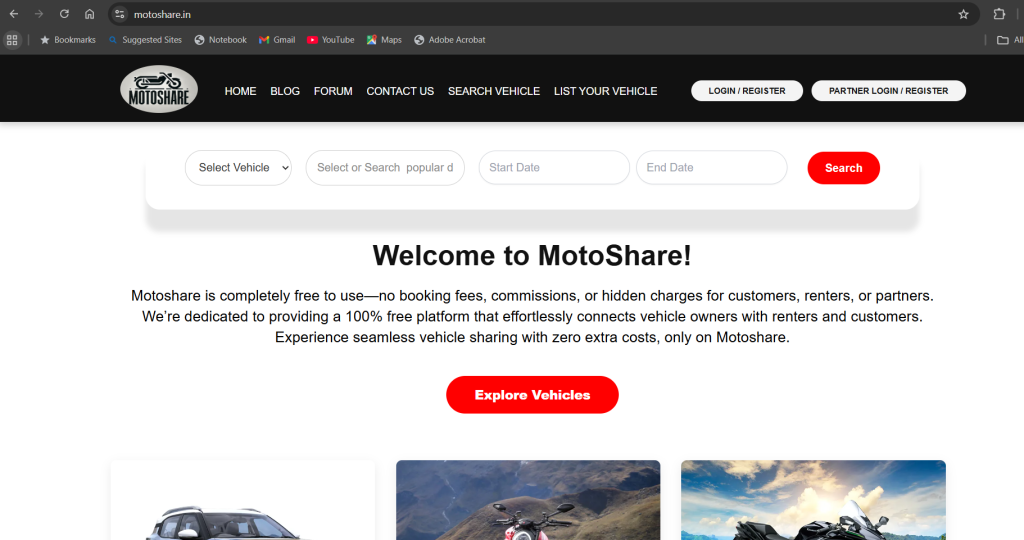
MotoShare is a digital and globally bike and car rental marketplace platform where:
Customers
Can rent bikes or cars at affordable prices with fast booking and verified partners.
Partners (Vehicle Owners)
Can list their bike/car and earn daily income — MotoShare brings customers, handles bookings, and releases weekly payouts.
Admin
Manages the platform, partners, bookings, payouts, documents, and support.
MotoShare’s main purpose:
“Turn your idle vehicle into income.”
2. MotoShare Partner Login
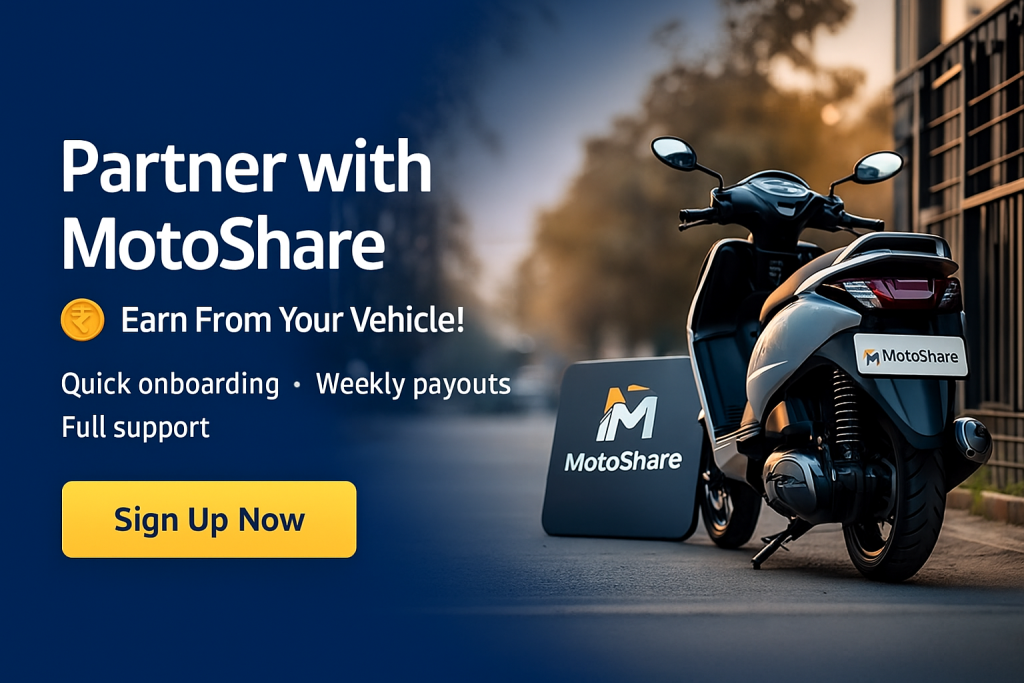
Step 1: Visit partner login page
https://motoshare.in/partner/login
Step 2: Enter your registered mobile number or email
Step 3: Receive OTP → Enter OTP → Login successfully

Step 4: You will be redirected to the Partner Dashboard
3. MotoShare Partner Dashboard
Dashboard URL:
https://motoshare.in/partner/dashboard
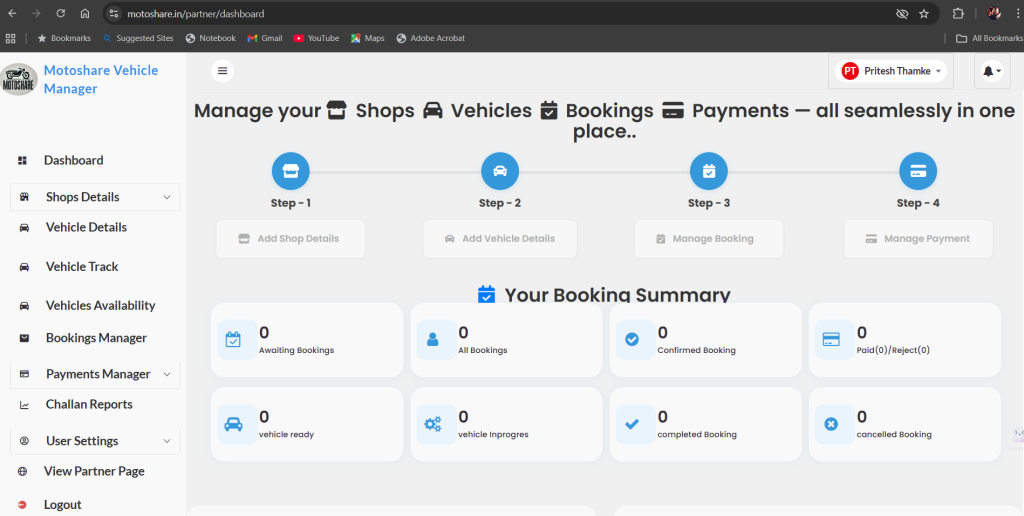
🔹 1. Dashboard
Displays all key partner information:
- Today’s bookings
- Total bookings
- Pending/ongoing/completed bookings
- This earnings
- Total earnings
- Vehicle active/inactive status
- Important notifications
This page gives a quick summary of everything.
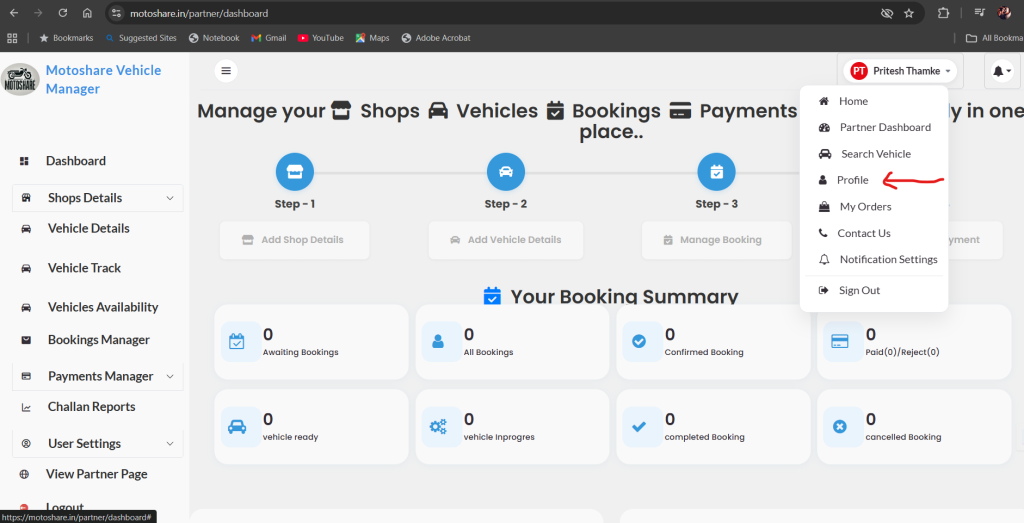
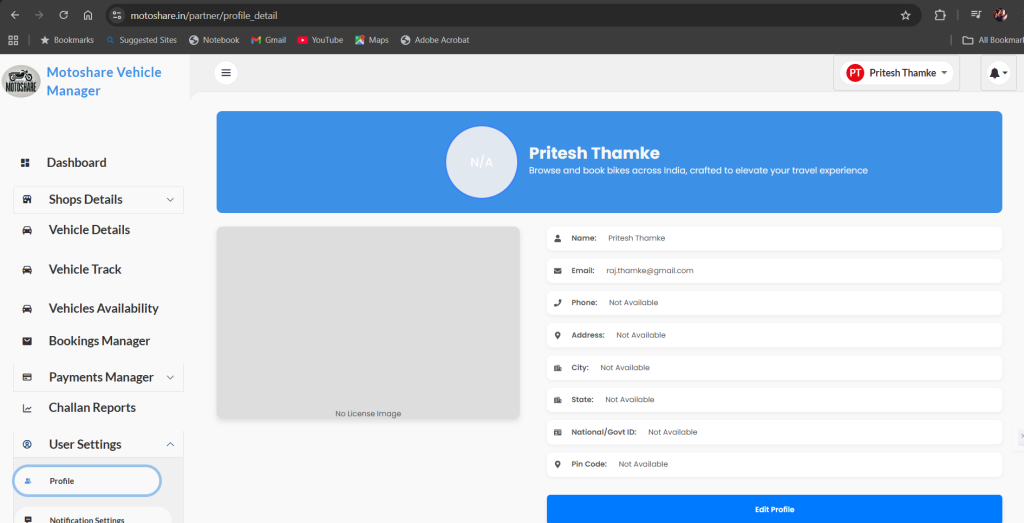
🔹 2. Profile / My Account
Partners can edit:
- Full name
- Mobile number
- Residential address
- Profile photo
- Bank account details (for payouts)
Why important:
Correct bank details ensure smooth day/weekly/month payouts.
🔹 3. Documents (KYC Verification)
Partners upload or update their documents:
- Aadhaar
- PAN Card
- Driving License
- RC (Registration Certificate)
- Insurance
- Pollution Certificate (if required)
Document Status:
- Pending
- Verified
- Rejected (with reason)
Admin approves these documents.
🔹 4. Vehicles / Vehicle Management
Partners can manage their listed vehicles.
Features:
- Add new vehicle
- Edit details
- Upload vehicle photos
- Update RC / Insurance
- Set vehicle availability (Active/Inactive)
- Set pricing (hourly/daily rates)
- Add special discounts
Vehicle listing directly affects earning and visibility.
🔹 5. Bookings Management
Shows all customer bookings.
Booking categories:
- New bookings
- Accepted
- Ongoing
- Completed
- Cancelled
Partner actions:
- Accept or reject booking
- Start ride
- End ride
- Upload before/after ride photos
- Check customer ID
- Add notes
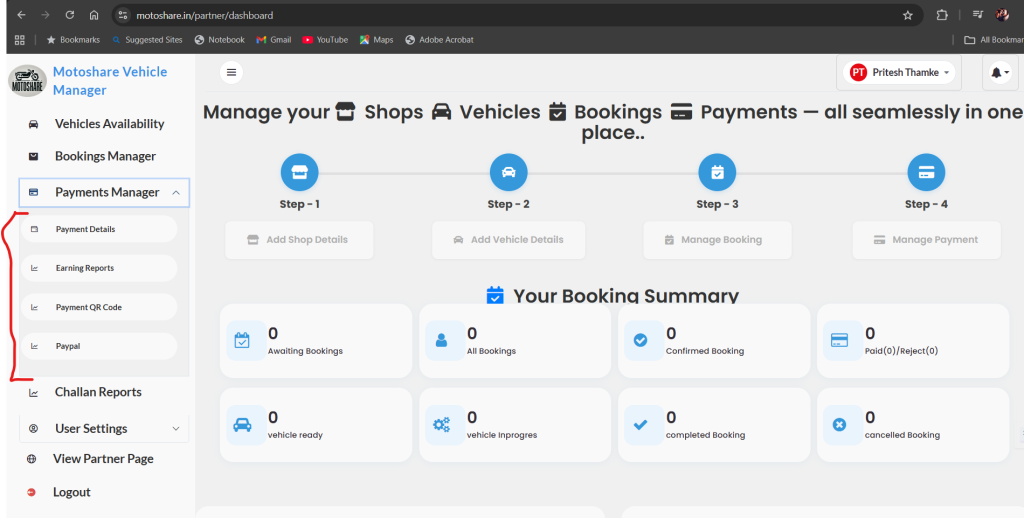
🔹 6. Earnings / Wallet / Payouts
Shows complete earning details.
Earnings Summary:
- Today’s earnings
- Weekly earnings
- Monthly earnings
- Total payouts
- Platform commission amounts
Payout Details:
- Next payout date
- Completed payouts
- Pending payouts
- Download invoices
This helps the partner track all their income.
🔹 7. Reviews & Ratings
Customer feedback:
- Star ratings
- Comments
- Negative feedback alerts
- Improvement suggestions
Good reviews improve visibility & bookings.
🔹 8. Support / Help
Partners can:
- Raise support tickets
- Chat with support team
- Track ticket status
- View solutions
Useful for payout issues, booking disputes, document queries, etc.
🔹 9. Notifications
Admin sends:
- Verification updates
- Policy updates
- Renewal alerts
- Offers
- Platform updates
- System alerts
🔹 10. Logout
Safely log out of the session.
4. MotoShare Admin Panel
🔸 1. Admin Dashboard
Shows:
- Total partners
- Active vehicles
- Pending approvals
- Total bookings
- Daily revenue
- Weekly performance
- Complaints
- System alerts
🔸 2. Partner Management
Admin can:
- Approve/reject partner registrations
- Check KYC documents
- Manage partner accounts
- Disable/enable partners
- Adjust commission percentage
🔸 3. Vehicle Management
Admin can:
- Approve vehicle listings
- Edit wrong information
- Disable vehicle if documents expire
- Monitor insurance expiry
🔸 4. Booking Management
Admin can:
- View all bookings
- Edit booking details
- Cancel bookings
- Issue refunds
- Reassign booking
- Resolve disputes
🔸 5. Payout & Payments
Admin manages:
- Weekly payouts
- Pending payouts
- Completed payouts
- Commission tracking
- Download reports
🔸 6. Support Management
Admin can:
- View all partner/customer tickets
- Assign tickets to staff
- Solve and close issues
- Track resolution time
🔸 7. Reports & Analytics
Admin can generate:
- Daily bookings report
- Partner performance
- Revenue graph
- City-wise statistics
- Export Excel/CSV reports
🔸 8. CMS (Content Management System)
Admin updates:
- Website banners
- Promotions
- Notification messages
- Blog content
- FAQ
- Terms & Policies
🔸 9. System Settings
Admin manages:
- Commission percentage
- Payout frequency
- Taxes
- Available cities
- API keys
- Security settings